


Geset 141 Semi Automatic Label Dispenser
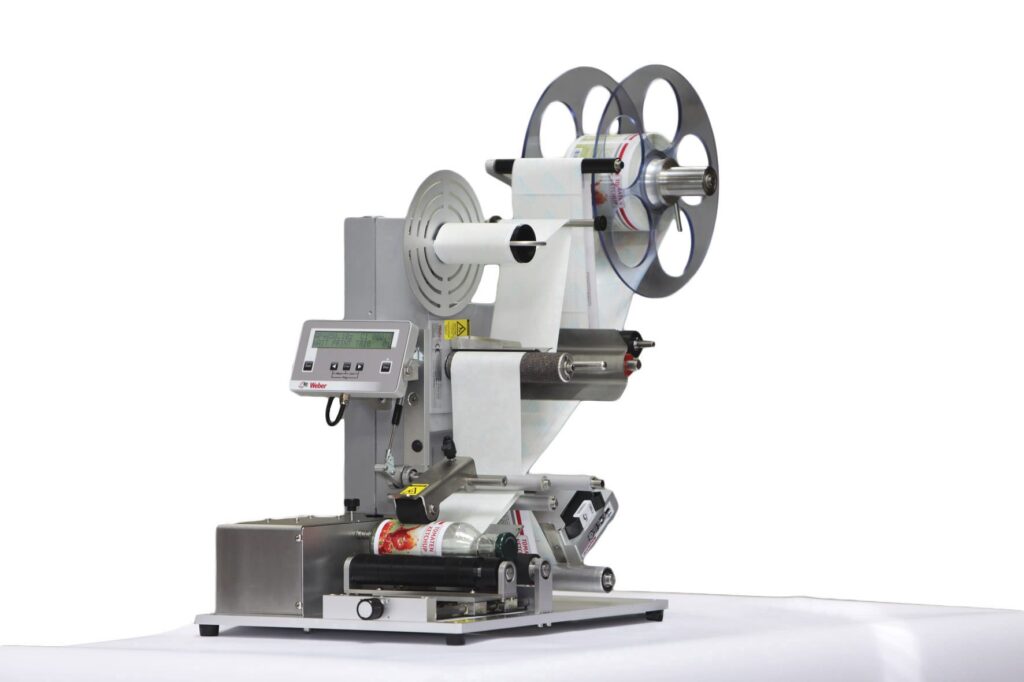
The Geset 141 semi-automatic all-round labelling system is used for labelling small tins, bottles, jars etc. This solution was developed especially for companies requiring flexible labelling of small batches. Classical applications include the pharmaceutical and cosmetics industry and the food and beverage sector.
-
- All-round labelling of unstable when standing, lying and cylindrical products
-
- Desktop design
-
- Short batch change setting-up times
-
- Segmented pressure rollers enable processing of products with protruding edges
-
- Simple, clear operation via multi-language user display
-
- Simple optional integration of printing systems
-
- Multiple dispensing per product with variable spacing between two labels possible
Adobe Reader is required to open and view PDF files. This can be downloaded free from adobe.com.
Available Documents
Geset 141 Technical InformationGeset 141 Instructions Manual
Geset 141 Spare Parts Manual
Markoprint Integra One ip LX
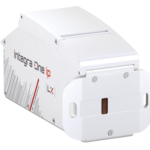
Unleash the Power of Proven Washdown Technology (IP Protection) for Seamless Performance in Complex and Demanding Applications. Experience High-Speed Printing and Effortless Operation with Up to 10 mm Print Distance. Discover Impressive Innovations, including a Patented Mechanism for Secure Ink/Printhead Unit Hold, Setting a New Standard in Printing Excellence.
View ProductMarkoprint ZTV HP
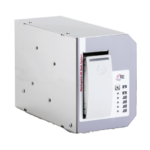
The Markoprint ZTV HP is a Central Ink Supply (CIS) system stores up to 400ml of ink for Markoprint HP Class inkjet printing systems such as the Markoprint integra One, Markoprint X2JET / X4JET, and Markoprint integra Quadro.
The large ink tank prevents frequent cartridge replacements from lowering your Overall Equipment Effectiveness (OEE). It can hold up to four single HP cartridges repaying you rapidly thanks to reduced ink prices. For non-interrupted production, the system can be paired with our NonStopPrinting printhead. Using an interface directly on the cartridge, current ink filling levels are monitored in real time. When the levels in the bulk tank fall below a certain threshold, a valve to the bulk tank opens and automatically refills it.
View ProductMarkoprint Integra Vivid
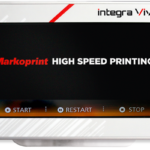
Unleash the Power of Modern Touch Operating Technology and an Innovative Swipe User Interface. Say Goodbye to Complicated Print Jobs and Say Hello to Effortless Operation of X1JET and PP Class Printing Systems. With the Freedom to Position the 7” High-Resolution HMI Color Display Anywhere You Choose, Prepare to Be Awed by the Ultimate Printing Flexibility and Innovation. Upgrade to integra Vivid Today and Embrace a New Era of Printing Excellence.
View ProductECOMARK – Economical Wax

ECOMARK is the most competitive wax ribbon from Weber.
It makes no compromise between price and quality in order to match
standard wax labeling applications.











