


Funai (Lexmark)
Funai (Lexmark) enables high resolution marking on any surface at very high speed.
Click on the Direct Sales Button, and contact us today to order your Funai (Lexmark) inkjet thermal inks.
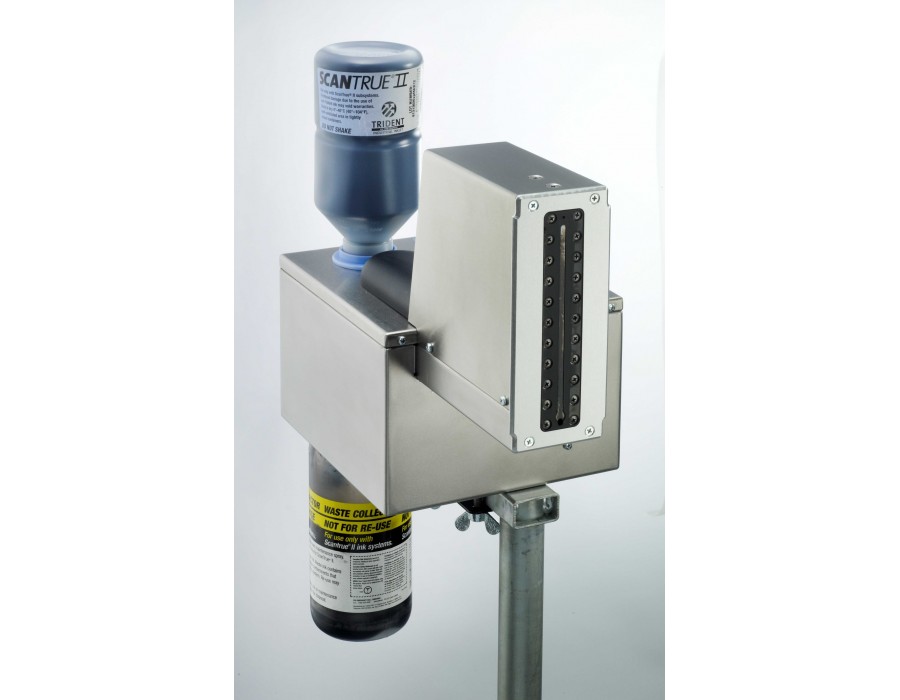
- very high reliability under operational conditions
the cartridge and the complete printhead are exchanged simultaneously. This also guarantees consistent typeface quality.
- intelligent ink cartridge for increased coding reliability
ink type, manufacturer and ink content can be stored with the cartridge. The printer can therefore automatically be set to recognize the correct ink and other ink can be detected and blocked
Ink filling level detection guarantees timely detection of imminent cartridge replacement, assuring ongoing operation.
- very high printing speeds in barcode quality
up to 240 m/minute at 300 dpi (maximum 400 m/minute) with Dual Channel. There are two of every nozzle.
- extremely brilliant print image up to 900 dpi
using ink cartridges and thermo inkjets of consistent quality, achieved by ejecting tiny droplets from hundreds of minute nozzles at very high frequency and highly accurately positioned
- simple operation
the cartridges are clean and easy to handle. No special training or maintenance required.
- unique flexibility
by using several Funai printheads, max. printing heights of 12.7 to 100 mm are achieved, as well as freely configurable layouts.
- Multi-sided printing of packaging is possible
from top, bottom or side or also at different production lines.
- distances of up to 10 mm from printhead to product surface. This also enables flexible printing on convex and concave surfaces.
- virtually any porous and non-porous surfaces can be marked, depending on ink type.
- highly economical
low operating costs but also high availability through simple and clean ink exchange, zero maintenance, immediate write response and uninterrupted operation.
- simple installation
by dint of very compact design, with 2 different printhead types available
Adobe Reader is required to open and view PDF files. This can be downloaded free from adobe.com.
Available Documents
DURAPRINT – Wax resin
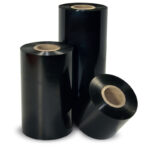
DURAPRINT is a very versatile, multi-purpose wax-resin ribbon.
It provides a higher level of resistances compared to standard wax ribbons and
prints small characters and barcodes with a high level of quality.
Markoprint IP-Jet
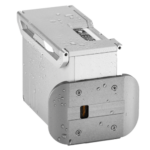
The thermal inkjet printer IP-JET HP MK3 has been specifically designed for usage in dusty or damp situations. It is especially ideal for the food sector, as well as the plastics, pharmaceutical, and chemical industries, due to its IP65 protection level.
The IP-JET HP is a small inkjet printer with a printhead and control unit housed in one unit. Water and dust are kept out of the cartridge by sealing it and pressurizing it. The power supply features a waterproof connector, and the external connections’ connectors are secured with an IP67 rating. The printhead does not need to be covered or removed for wet cleaning, unlike many other printers on the market.
View ProductMarkoprint Integra Quadro/Quadro²
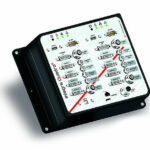
The new Markoprint Integra Quadro/Quadro² print controller can control up to four inkjet printers or four print positions at the same time. This allows you to print on both sides of primary and secondary packaging on one or two separate production lines. There are also two separate printing methods that can be used in this process.
The Markoprint Integra Quadro/Quadro² can easily cope with limited space thanks to its slender design. Installation inside or directly at the industrial line is straightforward thanks to the different fixation options. It was designed specifically for installation in control panels and machinery.
View ProductMarkoprint Integra PP RAZR
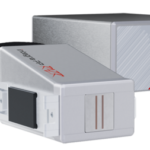
Experience Effortless High-Resolution Printing: Introducing the Integra PP RAZR with Cutting-Edge Technology. Print Up to 34mm High on Virtually Any Product Surface with Ease. Be Amazed by the Permanent Print Head’s Impressive Resolution, Lightning-Fast Speed, and Integrated Redundancy. Plus, its Compact Design Ensures Seamless Placement in Any Production Facility.
View Product










