


Zebra ZT400 Series Printers
The ZT400 Series builds on the field-proven reliability of the Z Series with advancements in print speed, print quality and connectivity options. Designed for ease of use, the ZT400 Series printers offer an intuitive icon-based LCD graphical user interface and easy supplies loading. And, they include standard USB, Serial, Ethernet and Bluetooth® capabilities. Expanded RFID capacities deliver greater tracking abilities, deeper visibility and enterprise insights.
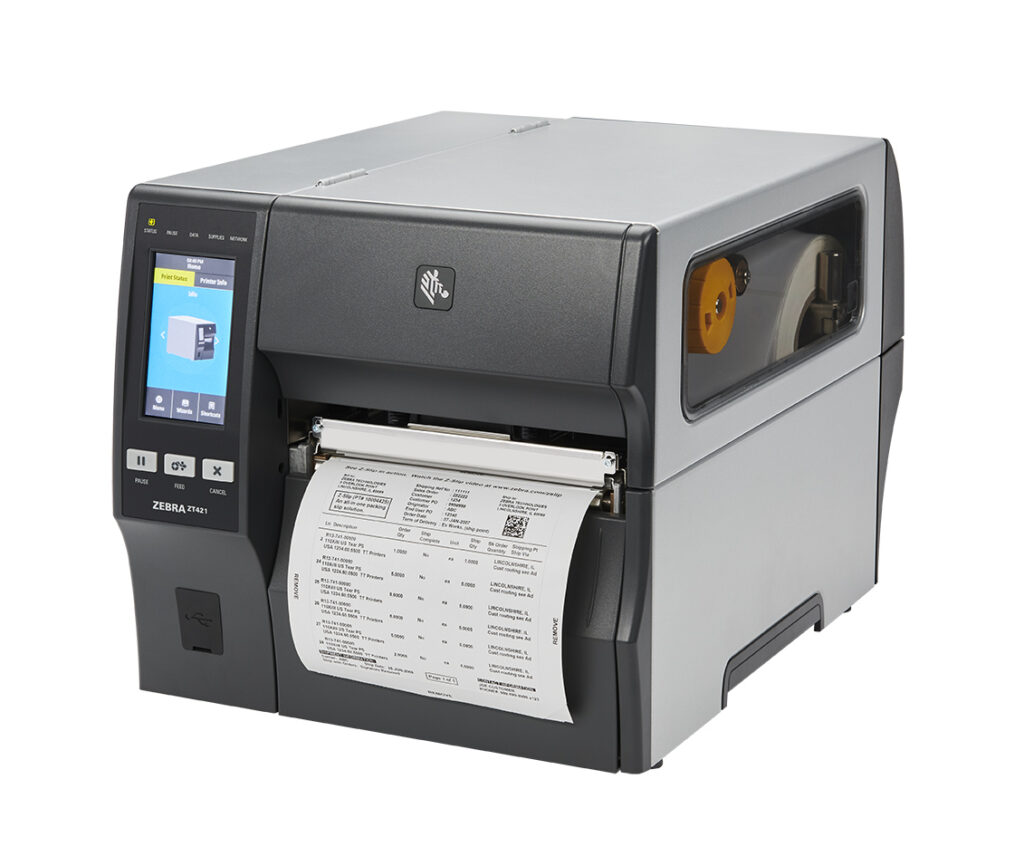
The ZT400 Series is offered in both 4” and 6” models and comes standard with an extensive set of advanced features that ensure your printer investment will always meet your needs, now and in the future. Constructed using an all-metal frame and bi-fold door, this printer is designed to fit well in space constrained environments. Featuring Zebra’s Link-OS environment — an innovative operating system combining a powerful Multi-platform Software Development Kit (SDK) and software applications—ZT400 Series printers are easy to integrate, manage and maintain from any location around the globe.
Ideal for These Applications
Manufacturing: work-in-process, product ID/serial numbers, packaging labels, receiving/putaway labeling
Transportation & Logistics: order picking/packing, shipping/receiving, cross-docking, compliance labeling
Retail: distribution centers, back-of-store operations
Healthcare: laboratory labels, blood-bank labels, asset tracking, pharmacy labeling
Adobe Reader is required to open and view PDF files. This can be downloaded free from adobe.com.
Available Documents
ZT400 BrochureX1Jet HP Premium MK2
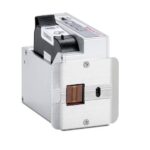
The innovative Markoprint X1JET HP inkjet printer codes absorbent and semi-absorbent surfaces quickly, accurately and reliably. It is designed for a different range of applications in the food and beverage industry as well as the chemical and pharmaceutical industry. The controller and printer are combined in one single unit, making the system extremely compact.
View ProductMarkoprint Integra Quadro/Quadro²
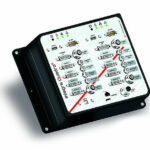
The new Markoprint Integra Quadro/Quadro² print controller can control up to four inkjet printers or four print positions at the same time. This allows you to print on both sides of primary and secondary packaging on one or two separate production lines. There are also two separate printing methods that can be used in this process.
The Markoprint Integra Quadro/Quadro² can easily cope with limited space thanks to its slender design. Installation inside or directly at the industrial line is straightforward thanks to the different fixation options. It was designed specifically for installation in control panels and machinery.
View ProductMarkoprint Integra Ultimate
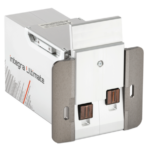
The innovative Integra Ultimate thermal inkjet printer not only provides IP65 protection against dust and moisture, but it also closes and cleans the nozzle plate at each pause. This system ensures that the printing is always clean, with faultless results even after extended breaks. As a result, the ink cartridges’ open times are multiplied many times. Two HP Class thermal inkjet ink cartridges can be used with the print head. As a result, the system produces beautiful prints with a maximum height of 25 mm.
View ProductMarkoprint Integra PP RAZR
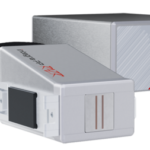
Experience Effortless High-Resolution Printing: Introducing the Integra PP RAZR with Cutting-Edge Technology. Print Up to 34mm High on Virtually Any Product Surface with Ease. Be Amazed by the Permanent Print Head’s Impressive Resolution, Lightning-Fast Speed, and Integrated Redundancy. Plus, its Compact Design Ensures Seamless Placement in Any Production Facility.
View Product










